
Quick answer
- Prefer STEP (
.stp/.step) for CNC machining quotes and supplier handoffs. - Accept IGES (
.igs/.iges) when that is what the customer still uses. Convert only if import quality is poor. - Use BREP (
.brep/.brp) when your toolchain already exchanges Open CASCADE solids and you want to avoid an unnecessary STEP round-trip.
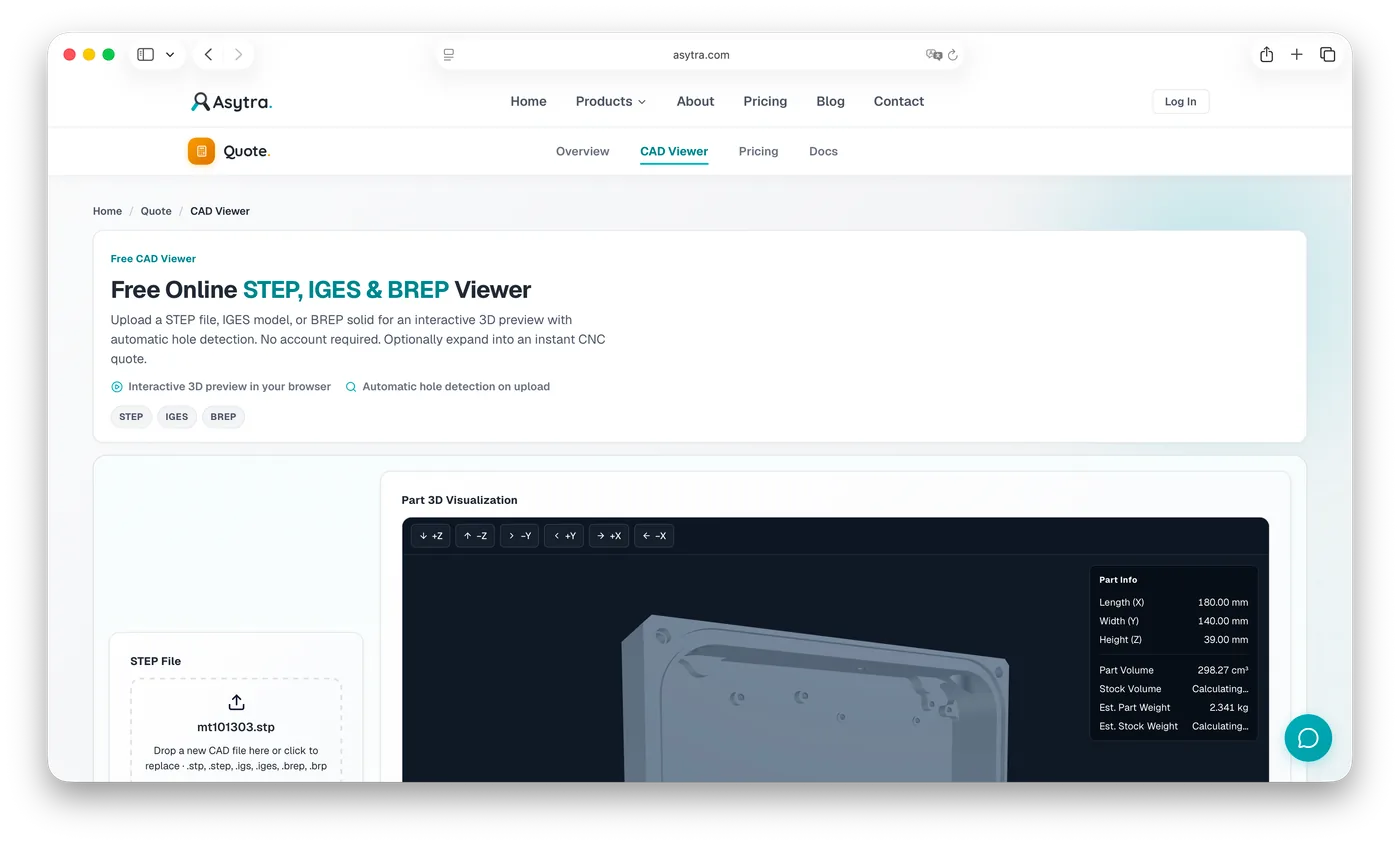
If you only need to look at the model, use a viewer that accepts all three: Asytra's free online CAD viewer.
STEP: the default for machining shops
STEP (ISO 10303) is the modern standard for exchanging solid models between CAD, CAM, and quoting systems. Extensions are usually .stp or .step. For prismatic and turned parts, STEP tends to preserve solid topology better than older surface-heavy formats.
When a customer asks "what file do you need?", ask for STEP first. It is what most online STEP viewers and CNC quoting engines expect, and it is what estimators already keep in quote folders.
Common STEP pitfalls:
- Assemblies exported as one file when you only wanted a single body
- Units mismatch (inches vs millimetres) if the shop assumes metric
- Meshes or "dumb" faceted exports labelled as STEP that are hard to analyse
IGES: still common, more variable
IGES is older. Many legacy CAD systems and some customer portals still default to .igs or .iges. An IGES viewer or a multi-format CAD viewer can open these without forcing the customer to re-export.
IGES quality varies. Some exports are clean solids. Others arrive as disconnected surfaces, trimmed patches, or geometry that needs healing before machining analysis. If IGES opens cleanly in your viewer, use it. If holes look broken, edges are missing, or the solid will not sew, ask for STEP (AP214 or AP242) instead of spending hours repairing surfaces.
BREP: useful when your tools already speak it
BREP files store boundary representation geometry. In practice you will see .brep or .brp from Open CASCADE-based workflows, research tools, and some CAM pipelines. A BREP viewer is less common than a STEP viewer, which is why people convert to STEP even when BREP was the native solid.
If both sides already handle BREP, uploading BREP can avoid lossy conversion. If the receiving shop only documents STEP intake, convert once with a trusted exporter and keep the original BREP for engineering.
Side-by-side comparison
| Format | Extensions | Best for | Watch outs |
|---|---|---|---|
| STEP | .stp, .step |
CNC quotes, supplier RFQs, online STEP viewers | Assemblies vs single parts; unit assumptions |
| IGES | .igs, .iges |
Legacy partners, older CAD exports | Surface-only data; import quality varies |
| BREP | .brep, .brp |
OCC-based tools, avoiding STEP round-trips | Fewer shops document BREP intake |
Which format should you upload to an online viewer?
Upload the file you already have, if the viewer supports it. Conversion should be a recovery step, not the default.
- Have STEP? Upload STEP.
- Only have IGES? Upload IGES, then convert to STEP if the preview or analysis fails.
- Have BREP from your toolchain? Upload BREP when supported; otherwise export STEP once.
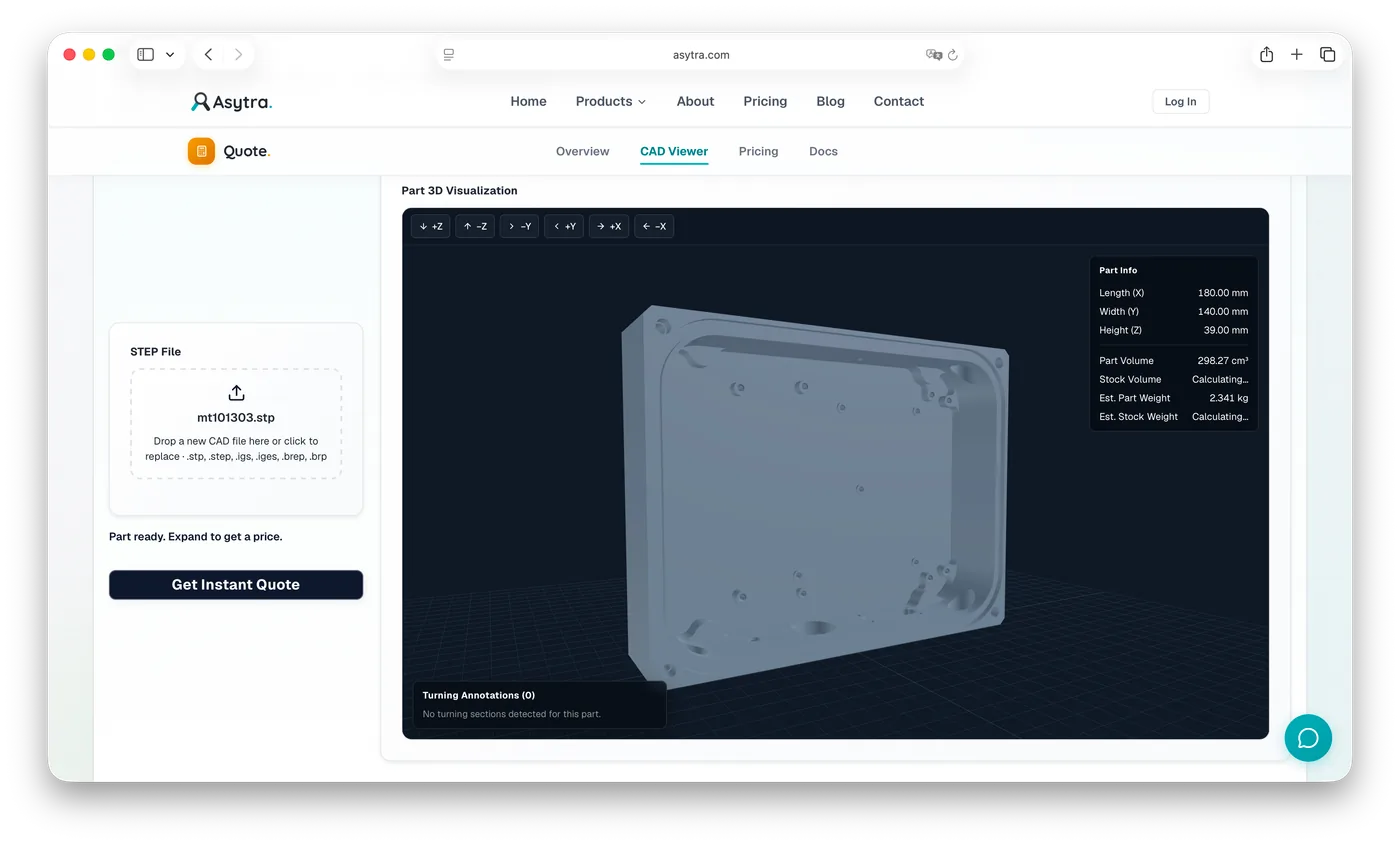
Asytra's free CAD viewer accepts STEP, IGES, and BREP so format choice does not block a quick 3D preview or hole check. From there you can optionally expand into an indicative CNC quote.
Formats that are not the same job
STL, OBJ, and 3MF are mesh formats. They are great for 3D printing previews and some visualisation, but they are a poor substitute for solid STEP when you need machining feature recognition. Native CAD files (SLDPRT, IPT, PRT) keep parametric history, but customers usually should not send them to shops unless that is an agreed workflow. For quoting and online viewing, stick to STEP, IGES, or BREP.
Related reading
- How to View a STEP File Online for Free
- CNC Cost Calculation from a 3D Model
- CNC Milling vs Turning Cost Calculation
- Asytra Quote overview for shop-configured Dashboard and Widget pricing
Try the formats in one viewer
Open the free STEP, IGES, and BREP viewer, upload the file you were sent, and inspect the interactive 3D preview. No account required for viewing.
Frequently asked questions
For most modern CNC quoting workflows, STEP is preferred. It is the standard solid exchange format for machining shops and usually carries more reliable solid-body data than older IGES exports.
BREP (.brep, .brp) stores boundary representation solids, often from Open CASCADE-based tools. It is useful when a partner already works in BREP and you want to preview or analyse the solid without converting to STEP first.
Yes. Asytra's free CAD viewer accepts STEP (.stp, .step), IGES (.igs, .iges), and BREP (.brep, .brp) so you can open the file you were sent without a conversion detour.
If your viewer or quoting tool already accepts IGES, upload IGES directly. Convert to STEP when a partner requires STEP, when IGES imports fail, or when you need a more consistent solid for downstream CAM or quoting.